
Word Dodge is an assistive technology system, a suite of digital tools that acts as a bridge between a student's thoughts and their finished work. Allowing students to dodge the cognitive load caused by traditional reading, handwriting, and spelling.
 Improving life skills and strategies
Improving grades
Supporting Teachers
Improving life skills and strategies
Improving grades
Supporting Teachers

How does it work?
The school allocates a Word Dodge Lead, who will guide and support the students through out the Word Dodge journey. Both the lead and the students will be provided with a tech kit and training.
By providing students with a tool based Digital Exercise Book (tablet), they will learn tools to be able to capture their ideas as clearly as how they would talk them through with you in person.

Learning the tools to excel
The school selects the relevant students to take part in the Word Dodge journey. The key for success is that the students need to have a willingness to engage.
Each student that is signed up to the program receives a digital exercise book and a training schedule where they learn 4 key tools in order to get their ideas on paper:
What the journey looks like
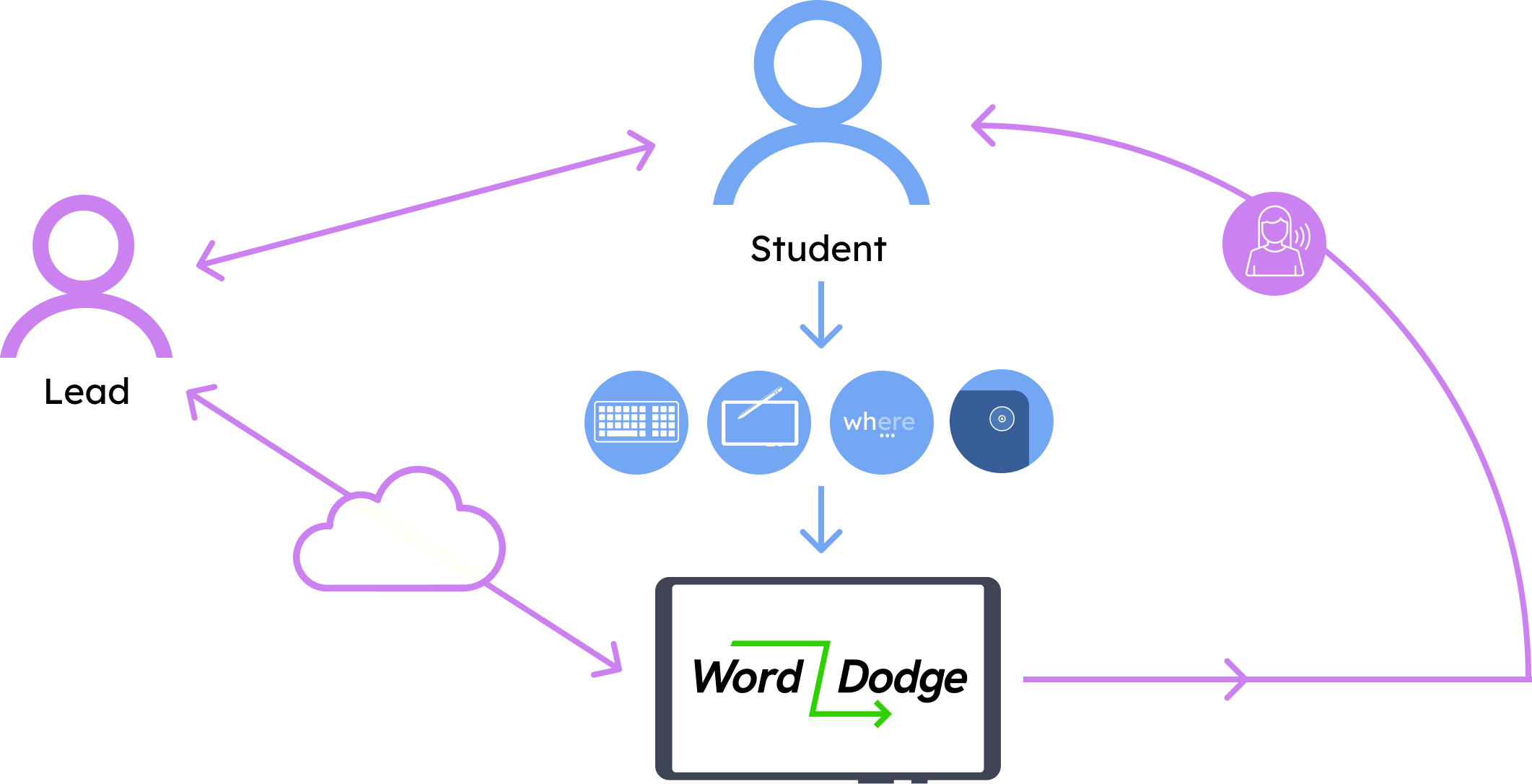
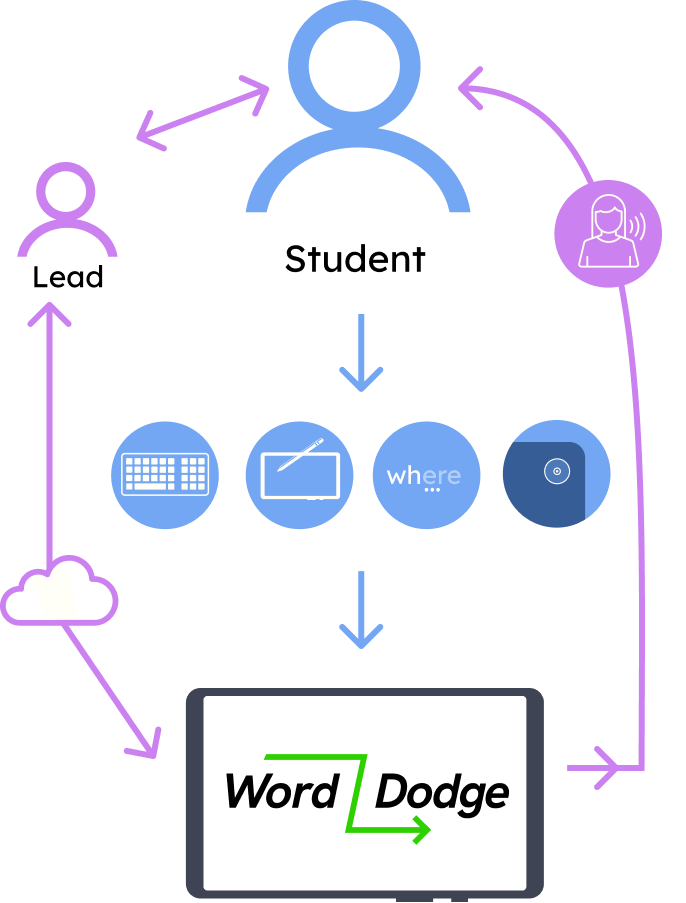
They can upload their work to their school filing cloud system, where their teachers can digitally mark their work and give feedback.
Word Dodge gives students support for reading and writing in lessons, giving them more confidence to fulfil tasks independently whilst freeing up the teaching assistants to be able to help on more complex issues.

Voice to Text
Students can speak their sentences aloud, and the software turns their speech into written text instantly.

Predictive Text
Students can choose to use a physical keyboard or a simplified on-screen keyboard. This is paired with predictive text to help them spell and record their ideas more easily.

Text to Voice
Tools that can read text aloud from the screen or from physical worksheets, helping students digest information quicker and with less struggle.

Camera
A quick way to take a photo of a worksheet and place it directly into their digital book to read from and work on using the tools mentioned.
The Outcome
We have seen firsthand that using these tools significantly improves the legibility of a student's work and provides a much lower-friction way for them to interact with the English language. This approach allows them to focus on the content of their lessons rather than the struggle of handwriting.